
Fonts & Footers
After the long and tedious stuff of theme toggle, I have turned to the simpler stuff: the font and the footer. So this is a short one for me to remember basics.
Swapping the font
I learnt that Astro has a built-in font API, so I don’t hand-write @font-face rules or drop <link> tags in the head. I just describe the font I want in astro.config.mjs and Astro handles the rest. This is how I do it:
// astro.config.mjs
import { defineConfig, fontProviders } from 'astro/config';

export default defineConfig({
	fonts: [
		{
			provider: fontProviders.google(),
			name: 'Manrope',
			cssVariable: '--font-manrope',
			weights: [400, 600, 700],
			fallbacks: ['sans-serif'],
		},
	],
});
I set the cssVariable on body in global.css, and everything inherits it e.g:
body {
	font-family: var(--font-manrope);
}
Fun fact that I found out in a not so fun way: **if you don’t list weights, Astro only loads [400]. So you gotta list out all the font weights you want.
Footer work
I wanted the copyright on the left and the social icons on the right, sitting on the same line. I remembered that I have strayed far from my former flexbox glory, what with all the Wordpress Learndash drag-and-drop I have done over the past few years.
Had to dust off the coat, and be serious about my life again…so I played…Flexbox Froggy!
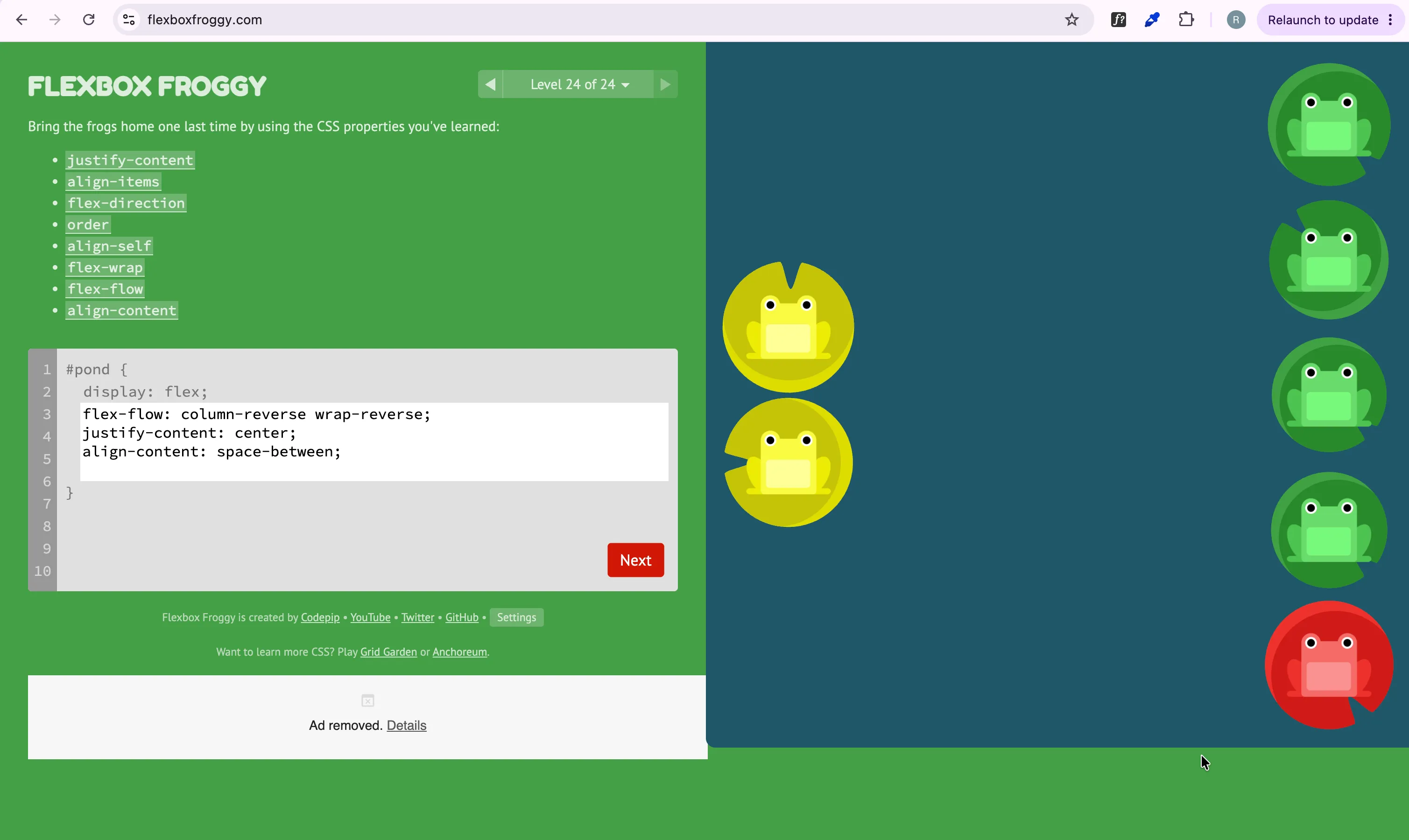
Importing icons with astro-icon
I downloaded some SVGs and wanted to use them without pasting giant <svg> blobs into my markup. The clean way in Astro is the astro-icon integration.
You gotta npm install it npm install astro-icon , then add it to the config:
// astro.config.mjs
import icon from 'astro-icon';

integrations: [mdx(), sitemap(), icon()],
astro-icon reads local SVGs from src/icons/ by default, and the filename becomes the icon’s name:
src/icons/
├── email.svg
├── linkedin.svg
└── github.svg
Then I drop them in wherever, by name:
---
import { Icon } from 'astro-icon/components';
---

<a href="mailto:ruvarashe.sadya@gmail.com" aria-label="Email">
	<Icon name="email" />
</a>
<a href="https://github.com/ruvas20" target="_blank" rel="noopener" aria-label="GitHub">
	<Icon name="github" />
</a>
Forward ever!